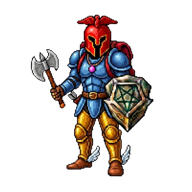
Most MMORPGs on the Play Store play themselves: auto-path, auto-battle, a shop button on every screen. If you grew up with games where every step mattered, this list is for you. We rated each game on how well it plays with thumbs.
- Best classic feel: a 7.6-style world that installs from Chrome.
- Best polish: Old School RuneScape.
- Best lightweight 2D: Rucoy Online.
- Best for PvP risk: Albion Online.
On this page
01Our top picks
Tibia's golden era rebuilt for touchscreens: joystick, tap-to-attack and a hotbar, in portrait or landscape.
The benchmark for nostalgic MMORPGs on mobile, with a very polished app.
Short sessions, simple classes and pixel art. Perfect for five-minute hunts.
Full-loot PvP and a player-run economy. The tension of old PvP, in a modern package.
CipSoft's long-running mobile MMORPG with its own world.
02What good mobile controls look like
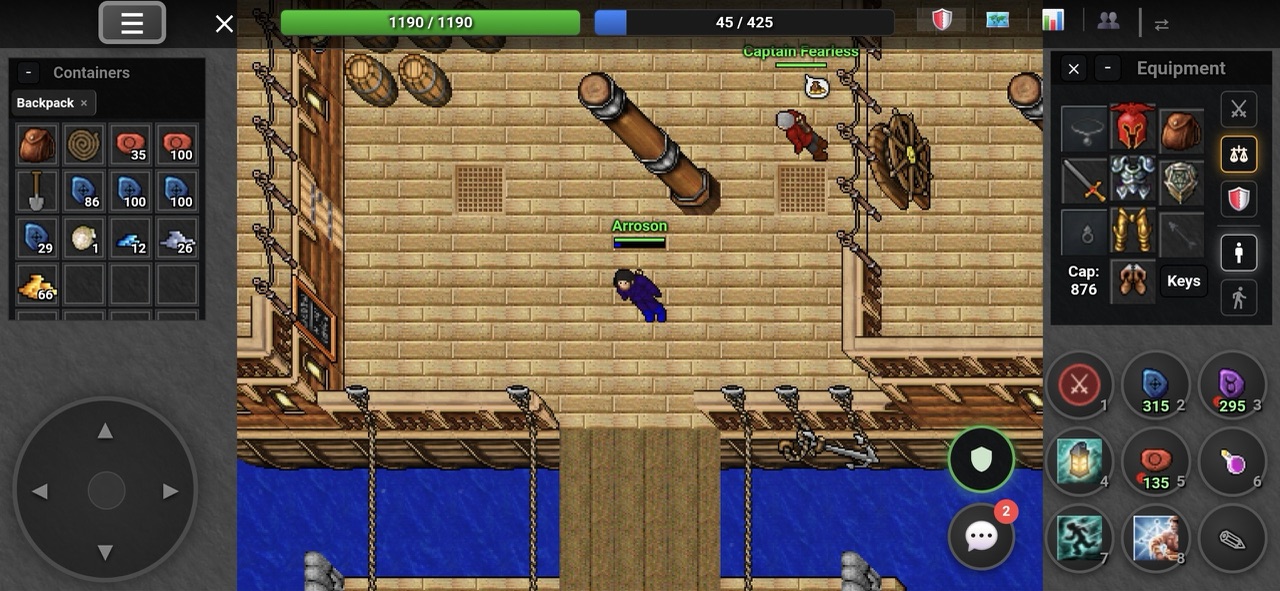
An old-school MMORPG lives or dies by its controls on a phone. Look for a virtual joystick that supports diagonals, tap-to-attack that forgives imprecise taps, and a hotbar you can resize.
03Browser MMORPGs: no Play Store needed
Some of the best old-school games skip the Play Store entirely. A browser MMORPG runs in Chrome and can be added to your Home screen, where it opens full screen like a normal app. No APK, no permissions to approve, and updates are automatic.
FAQQuestions, answered
You say:What is the best old-school MMORPG on Android?
Guide:For the classic Tibia feel, a 7.6-style world that installs from Chrome. For polish, Old School RuneScape. For short pixel-art sessions, Rucoy Online.
You say:Are there MMORPGs on Android without auto-battle?
Guide:Yes. Every game on this list makes you control your character yourself.
You say:Can I play a browser MMORPG like an app?
Guide:Yes. In Chrome, open the menu and choose Add to Home screen or Install app. It then opens full screen from its own icon.