Tibia mobile · Android & iPhonePlay classic Tibia on your phone
A free classic 7.6-era world with its own mobile app. Rookgaard, dragon lairs and old-school PvP, with controls made for your thumbs.
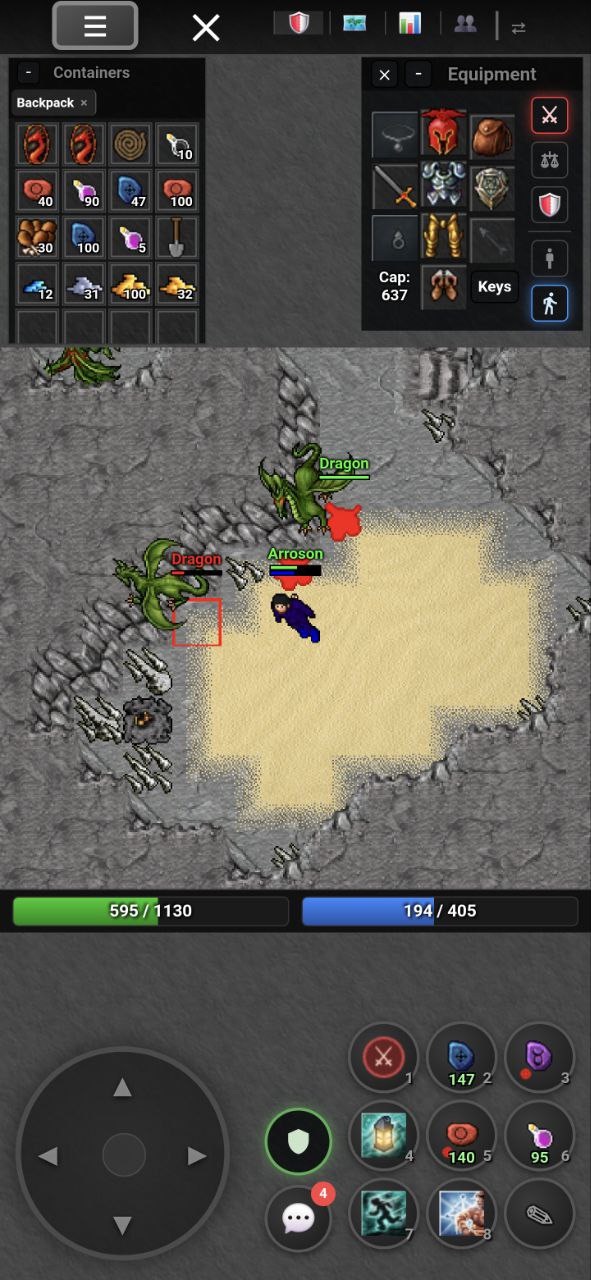
Your adventure, one tap away
Yes, there is an app. You add the game to your Home Screen straight from the browser: it gets its own icon and opens full screen. No Play Store, no App Store, no APK.
- 1Open the game page in ChromeWait until the game page has loaded.
- 2Tap the menu (three dots)Choose Add to Home screen, or Install app.
- 3Open the game from its new iconIt starts full screen, like any other app.
- 1Open the game page in SafariWait until the game page has loaded.
- 2Tap Share, then Add to Home ScreenKeep Open as Web App switched on if you see it.
- 3Tap Add and open the new iconThe game launches in its own window.
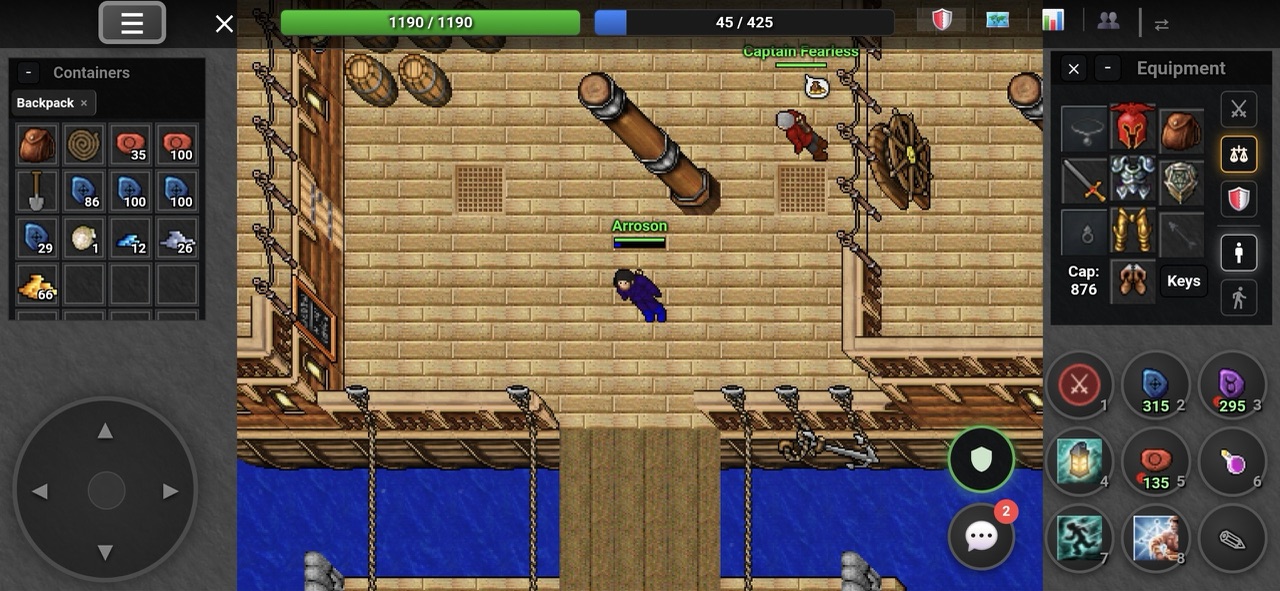
Turn your phone. Grab your sword.
Landscape gives the world the whole screen, with your backpack, equipment and hotbar within thumb reach. Tap a marker or a slot to see what it does.
From Rookgaard to the dragon lairs
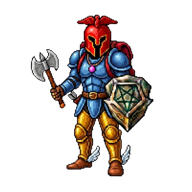
Start on the tutorial island, reach level 8 and choose your vocation. Then the mainland opens up: Thais, the swamps around Venore, and every quest you remember.
Before your first hunt
Tibia mobile, answered
You say:Is there a Tibia app for Android?
Guide:CipSoft's Tibia has no official Android app. The classic 7.6-style world we recommend does have one: open it in Chrome and add it to your Home screen. It then starts full screen from its own icon, like any other app.
You say:Is there a Tibia app for iPhone or iPad?
Guide:Not an official one. On iPhone and iPad you open the classic world in Safari, tap Share and choose Add to Home Screen. It then launches as a web app in its own window.
You say:Is there an official Tibia APK?
Guide:No. CipSoft does not publish Tibia as an APK. Files you find online are made by third parties, so only install one from a source you fully trust, and never enter your real Tibia account details in an unofficial app.
You say:Can I play Tibia on my phone without downloading anything?
Guide:Yes. The classic world runs in your mobile browser, so there is no app store and no APK. Adding it to your Home Screen only creates a shortcut that opens it full screen.
You say:How do I install the app on Android?
Guide:Open the game page in Chrome and wait until it has loaded. Tap the menu with the three dots and choose Add to Home screen or Install app. Then open it from the new icon.
You say:How do I install the app on iPhone?
Guide:Open the game page in Safari. Tap Share, choose Add to Home Screen, keep Open as Web App switched on if you see it, and tap Add.
You say:Is it free to play?
Guide:Yes. You can play the whole game for free. Premium is optional.
You say:Does it work on a tablet?
Guide:Yes. It runs on Android tablets and iPad, and the bigger screen gives you more room for the world and your backpack.
You say:Can I play in portrait and landscape?
Guide:Both work. Portrait puts your backpack above the world and the controls below it; landscape gives the world the whole screen with the controls on the sides.
You say:Can I use the same character on my phone and my PC?
Guide:Yes. It is one account on every device, so you can hunt on your phone during the day and continue on your computer at night.
You say:What is the difference between Tibia and TibiaME?
Guide:They are two separate games by CipSoft. TibiaME was made for phones and has its own world, classes and progression. It is not Tibia on a smaller screen.
You say:Which vocation is best to play on a phone?
Guide:Knight is the most forgiving start on a touchscreen thanks to its high health. Paladins are a close second. Sorcerers and druids are strong too, but ask for quicker reactions with spells.
You say:Is this the official Tibia?
Guide:No. TibiaMobile is an independent fan site, and the game we link to is an independent classic world inspired by Tibia 7.6. Tibia is a trademark of CipSoft GmbH.
Rookgaard is waiting
The Oracle: Greetings, young adventurer.
The Oracle: Are you ready to begin your journey?
You say: ...